
Create and submit a prescription
Available to
Clinicians.A prescription holds one or more medication lines. Each line names an approved formulary product, the dose and route, and how much is authorised. Submitting it sends it to the pharmacy for verification.
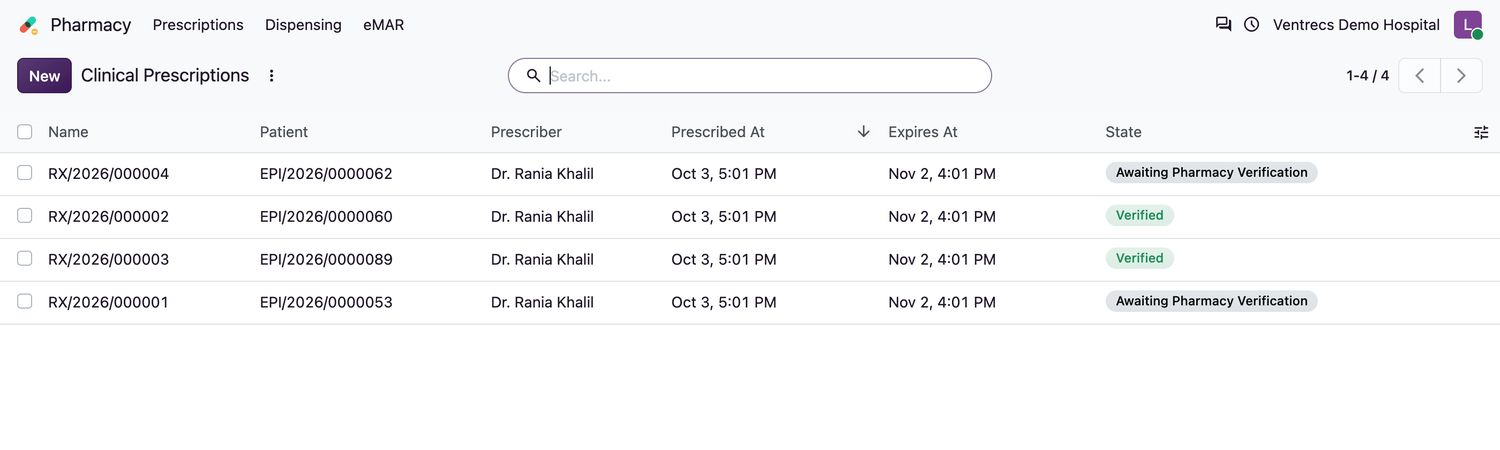
Draft  →  Awaiting Pharmacy Verification  →  Verified  →  Partially Dispensed  →  Fully Dispensed
                     (Cancelled or Expired can end a prescription before it is fully dispensed)
Write a prescription
- Open Pharmacy → Prescriptions and select New.
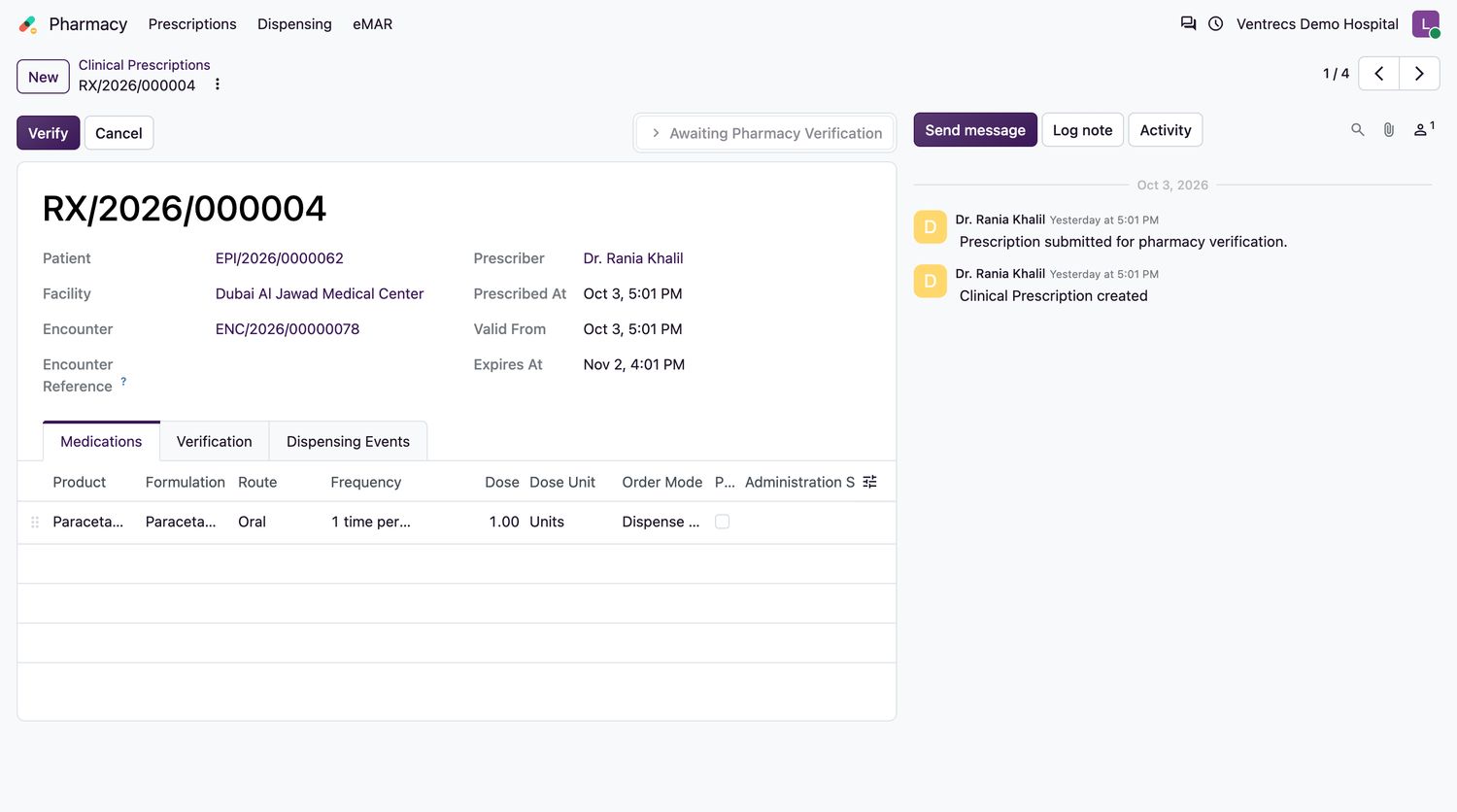
- Choose the Patient, Facility and Encounter. Check Prescribed At, Valid From and Expires At.
- On the Medications tab add a line for each medicine. Choose the Product, Formulation and Route, and a Frequency.
- Enter the Dose and Dose Unit, the Authorized Quantity and the Duration Days.
- Choose the Order Mode: Dispense (Pharmacy/Discharge) for medicine supplied by the pharmacy, or Ward Administration (eMAR) for medicine given on the ward. For an as-needed medicine tick PRN (As Needed).
- Enter the Instructions the patient or nurse will follow.
- Select Submit for Verification. At least one medication line is required.
Prescription states
| State | Meaning |
|---|---|
Draft | Being written. It can still be edited or deleted. |
Awaiting Pharmacy Verification | Submitted. Waiting for a pharmacist. |
Verified | Checked by a pharmacist. Ready to dispense or administer. |
Partially Dispensed | Some of the authorised quantity has been supplied. |
Fully Dispensed | All of it has been supplied. |
Expired | Past its expiry date. It cannot be verified or dispensed. |
Cancelled | Withdrawn. |
Good to know
- The product must have an approved formulary item that is in effect today, and the formulation must match it.
- Dose and authorised quantity must be greater than zero, and expiry must be after the start date.
- Once verified, a line is locked. To change it, create a correction or a new prescription.
- Select Print Prescription on a verified prescription to print it.
Related topics
Was this helpful?
Thank you. Your feedback is recorded.Thank you. Tell us what is missing so we can fix this guide.
Report an issue with this guide