
Review and act on clinical alerts
Available to
Clinician and authorised care users.A clinical alert warns that an order may be unsafe or redundant. It stays attached to the order, and the decision to proceed is recorded with a reason.
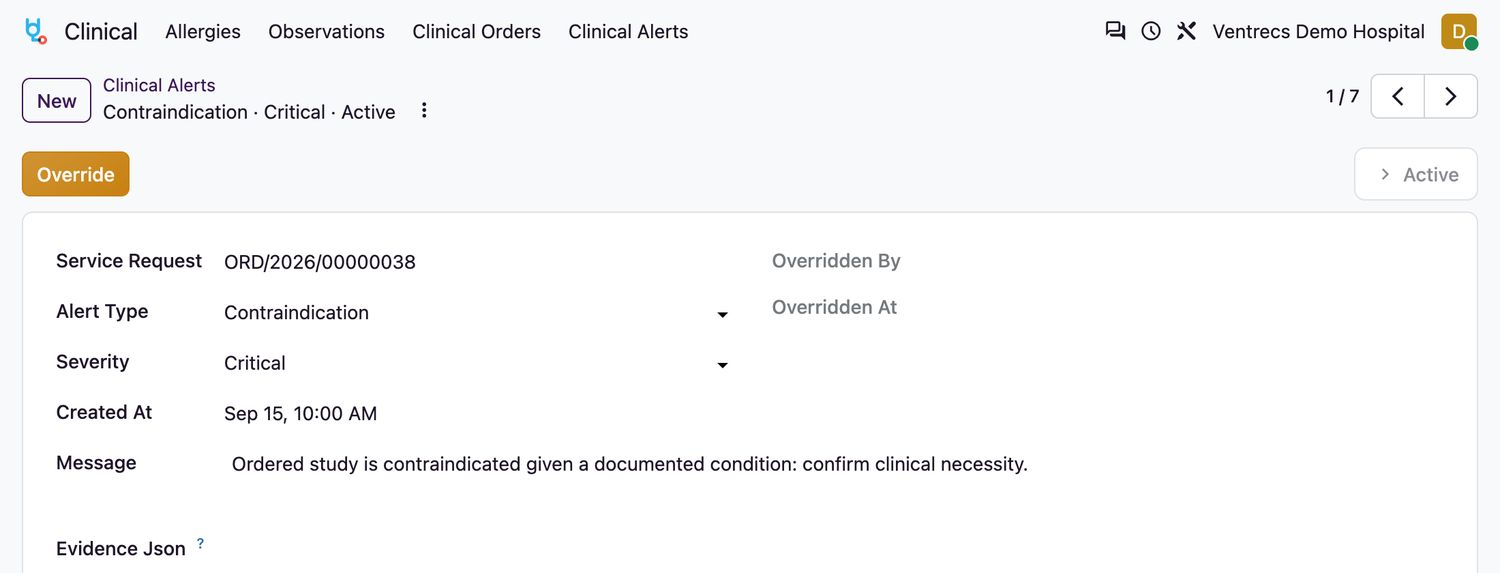
Alert types
| Type | Warns about |
|---|---|
Allergy | The patient has a recorded allergy to the substance. |
Duplicate Therapy/Test | The same medicine or test is already ordered. |
Interaction | Two medicines that interact. |
Dose, Renal, Hepatic, Pregnancy | A dose or condition that needs a check. |
Formulary | The item is outside the formulary. |
Contraindication | The medicine or procedure is contraindicated. |
Act on an alert
- Open Clinical → Clinical Alerts and open an
Activealert. - Read the Message and the Severity:
Informational,Warning,HighorCritical. - If the order is still appropriate, select Override and enter the Override Reason. The alert becomes
Overriddenand your name and the time are recorded. - If the order is not appropriate, go back to the order and Cancel or change it.
Related topics
Was this helpful?
Thank you. Your feedback is recorded.Thank you. Tell us what is missing so we can fix this guide.
Report an issue with this guide