
Record patient history
Available to
Clinician and authorised care users.Besides what happens during a visit, the record keeps the patient's background: social and lifestyle history, family history, and past medical and surgical history. History is added to, never rewritten.
Add history
- Open the patient and select the History tab.
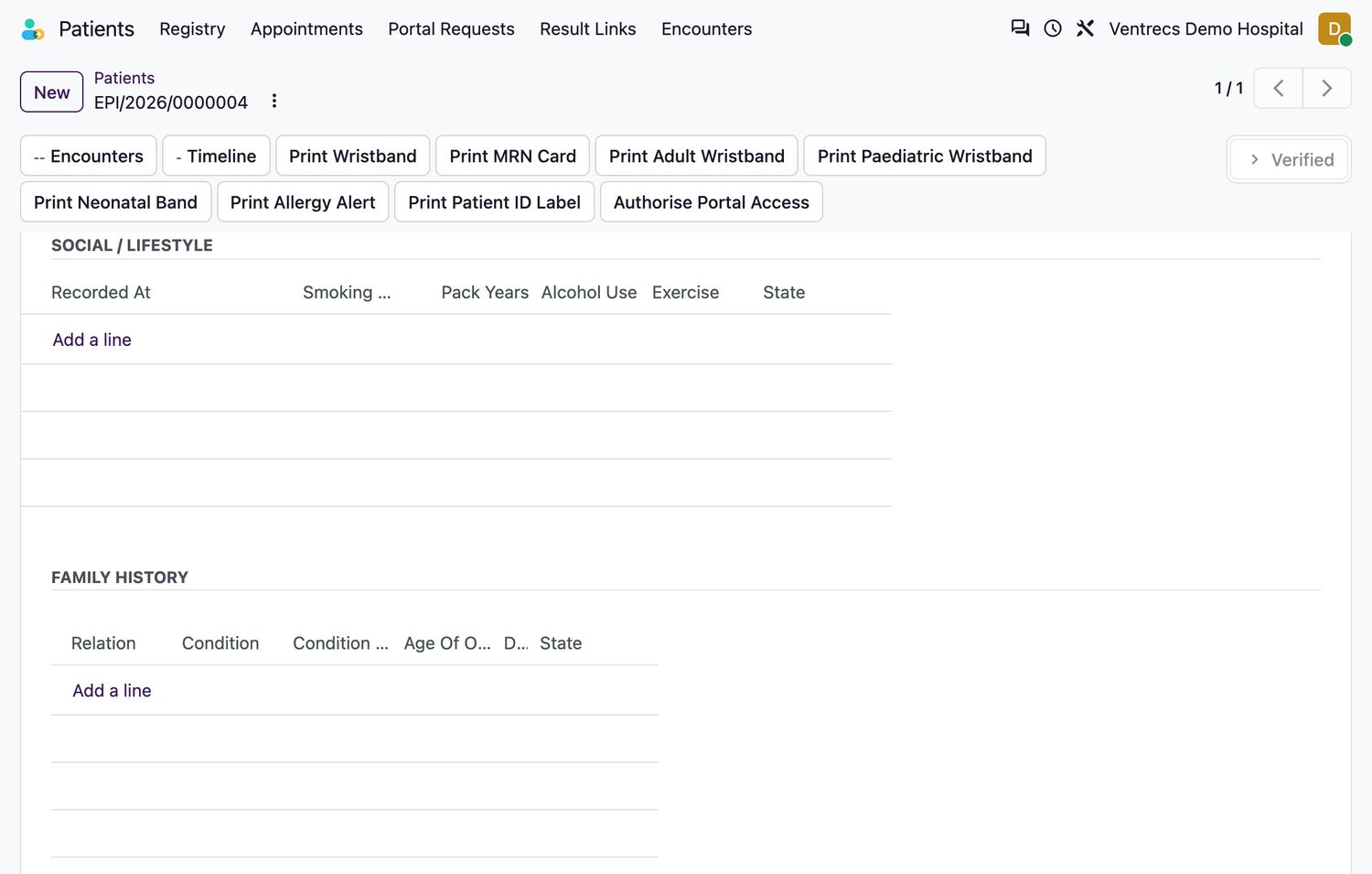
- In Social History, record smoking status, pack-years, alcohol use, exercise and occupational exposures.
- In Family History, add a line for each relative: the Relation, the Condition, the age of onset and, if relevant, the age and cause of death.
- In Past History, add the Kind (
Medical,Surgical,Hospitalisation,Trauma,Obstetric,Other), a Description and the onset year. - Select Save.
Blood group
The blood group is recorded on the patient. A group that the patient reports is flagged Unverified until laboratory staff verify it, and the flag resets if the group is edited.
Related topics
Was this helpful?
Thank you. Your feedback is recorded.Thank you. Tell us what is missing so we can fix this guide.
Report an issue with this guide