
Request blood products
Available to
Clinicians.A transfusion request asks the blood bank for units of a blood component for one patient. Only a clinician can request blood.
Draft  →  Requested  →  Sample received  →  Units ready  →  Issued  →  Completed
                                (a request can be cancelled until units are issued)
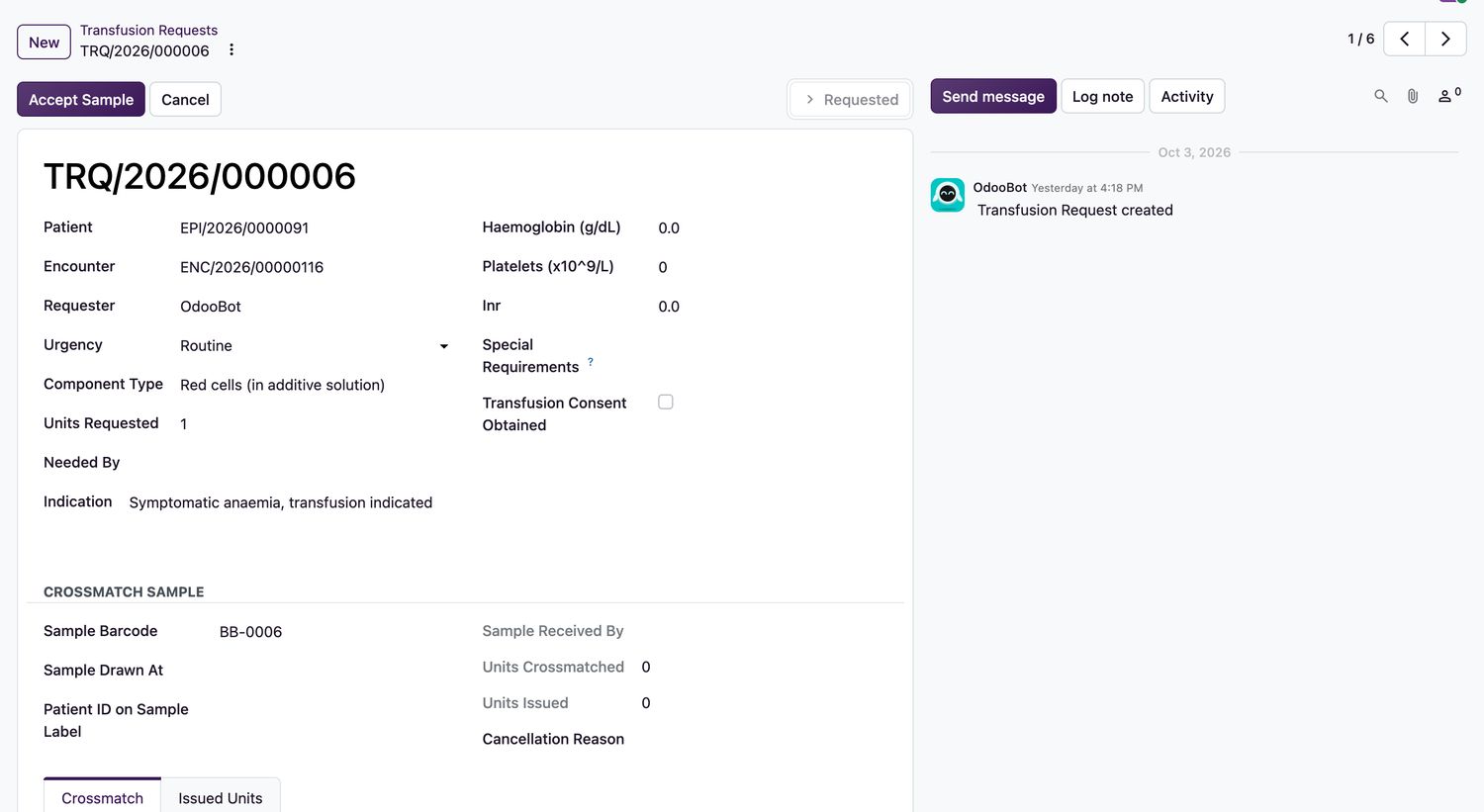
Request blood
- Open Blood Bank → Transfusion Requests and select New.
- Choose the Patient and the Encounter. Set the Urgency, the Component Type (for example Red cells in additive solution), Units Requested and Needed By.
- Enter the supporting results if known: Haemoglobin, Platelets and INR. Add any Special Requirements.
- Enter the Indication.
- Tick Transfusion Consent Obtained. If consent cannot be obtained, enter the Consent Waiver Reason.
- Select Submit Request. The state becomes
Requested. - Draw the patient sample, label it at the bedside with the patient's ID, and send it to the blood bank.
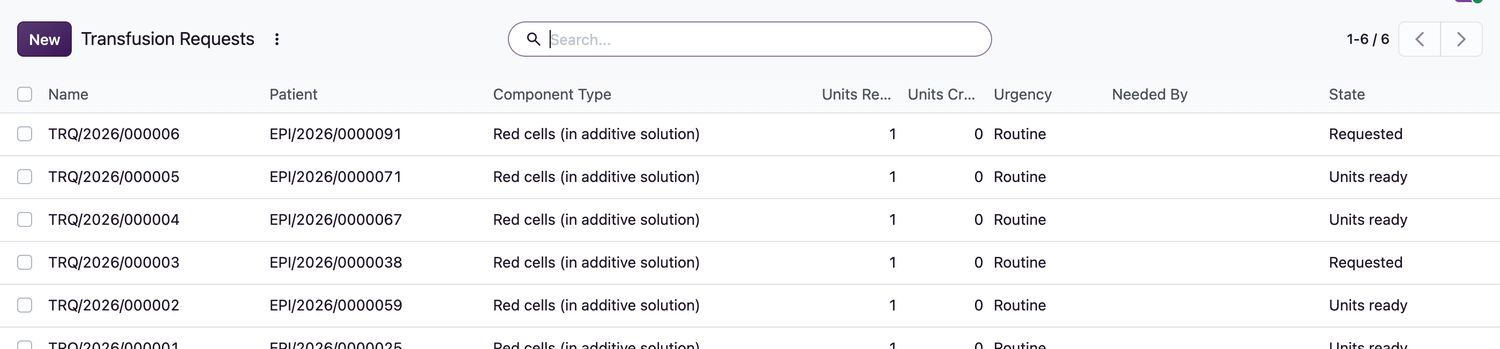
Request states
| Request state | Meaning |
|---|---|
Draft | Being written. |
Requested | Submitted. Waiting for the sample. |
Sample received | The blood bank accepted the sample. |
Units ready | Compatible units are allocated. |
Issued | Units have left the blood bank. |
Completed | The transfusion is finished. |
Cancelled | Cancelled with a reason. A request with issued units cannot be cancelled. |
Emergency issue
In a life-threatening emergency the blood bank can issue an uncrossmatched unit with Emergency Uncrossmatched Issue. The authorising Emergency Physician and the Emergency Reason must be recorded. The system chooses only a safe unit: group O red cells (Rh-negative for females and when sex is unknown) or group AB plasma. If none is available, the issue is refused.
Related topics
Was this helpful?
Thank you. Your feedback is recorded.Thank you. Tell us what is missing so we can fix this guide.
Report an issue with this guide