
Manage blood inventory and storage
Available to
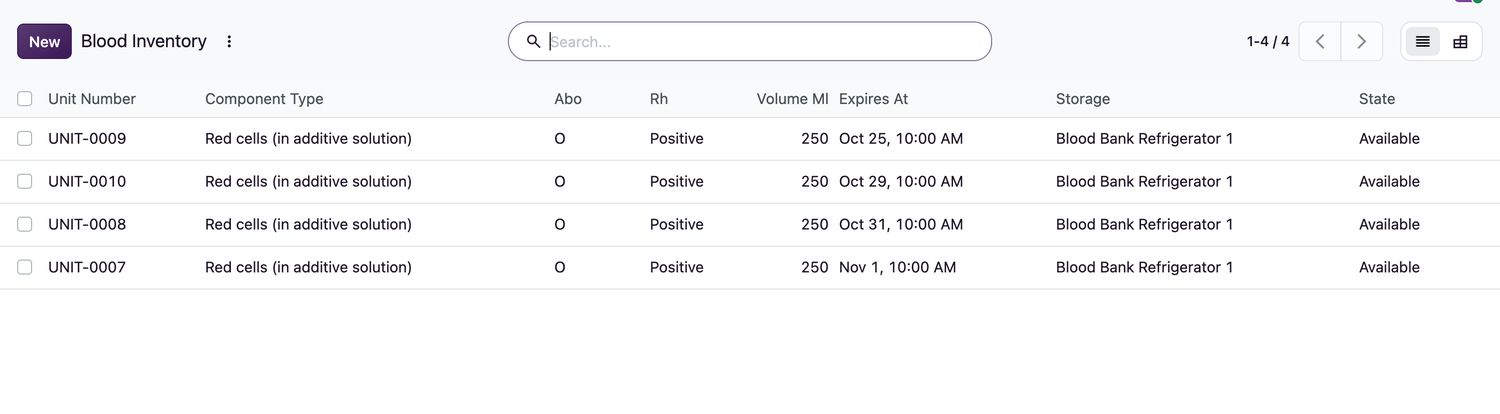
Blood bank technologists and supervisors.Inventory lists every unit with its component, group, volume, expiry and storage. Storage units keep a temperature log so that a failure is caught.
Manage units
- Open Blood Bank → Inventory. Use the filters Available, Quarantine and Expiring in 48 h, or group by ABO, Component or Status.
- Open a unit in
Quarantineand select Release to Inventory. This needs the unit to have all mandatory screening markers verified negative, two matching ABO / Rh determinations by different people, an approved component type, and a storage unit without an open temperature excursion. - Use Quarantine to hold an available unit, and Discard (with a Discard Reason) to remove it.
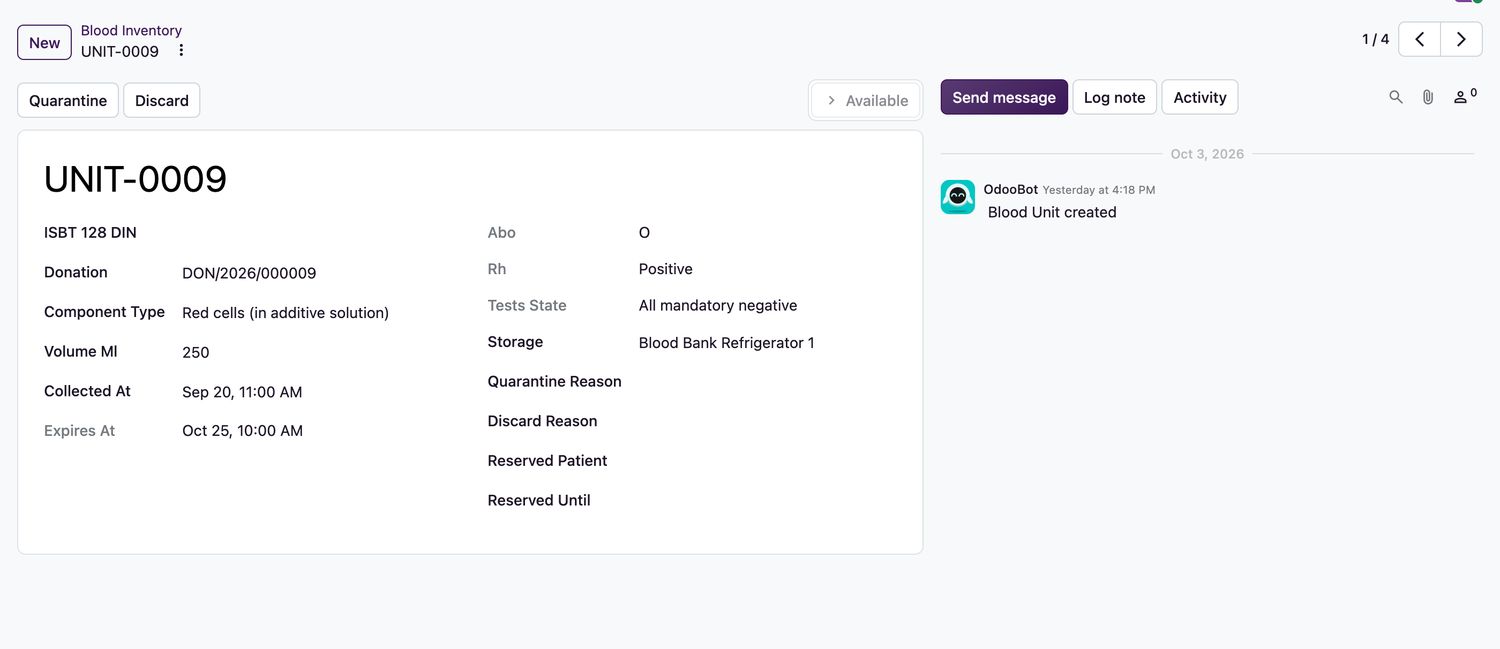
Unit states
| Unit state | Meaning |
|---|---|
Quarantine | Not yet released, or held. |
Available | Ready to be reserved and issued. |
Reserved | Allocated to a patient until a set time. |
Issued, Transfused, Returned | Followed through the issue and transfusion. |
Discarded, Expired | No longer usable. |
Temperature excursions
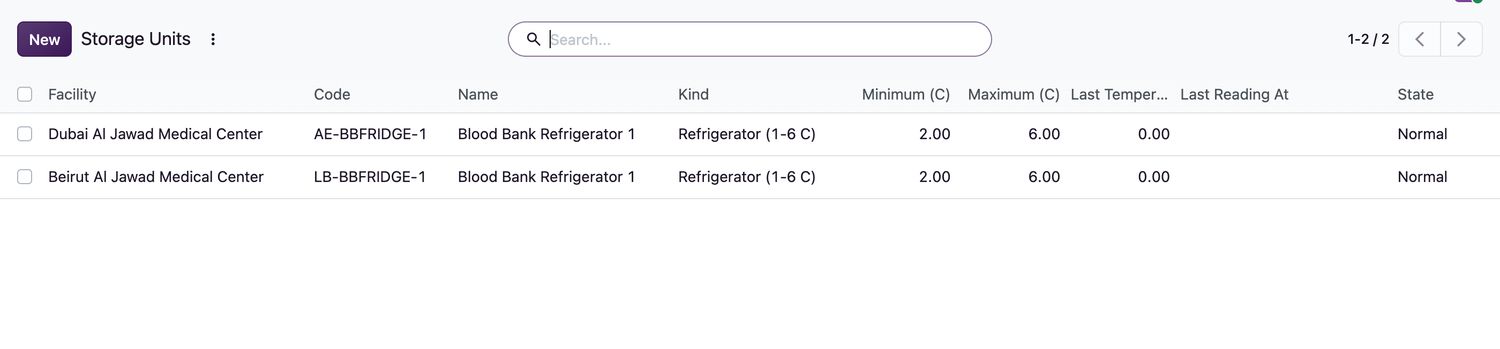
Open Storage and Temperatures to see each storage unit's allowed range and last reading. When a reading goes out of range, the unit moves to Temperature excursion. A supervisor documents the impact on the stored units on the latest log entry, and then selects Clear Excursion After Assessment. The latest reading must be back in range.
Related topics
Was this helpful?
Thank you. Your feedback is recorded.Thank you. Tell us what is missing so we can fix this guide.
Report an issue with this guide