
Record a transfusion reaction
Available to
Nurses, clinicians, blood bank supervisors.Every suspected reaction is a safety record. It is reviewed by a supervisor and can be reported to the haemovigilance authority.
Record a reaction
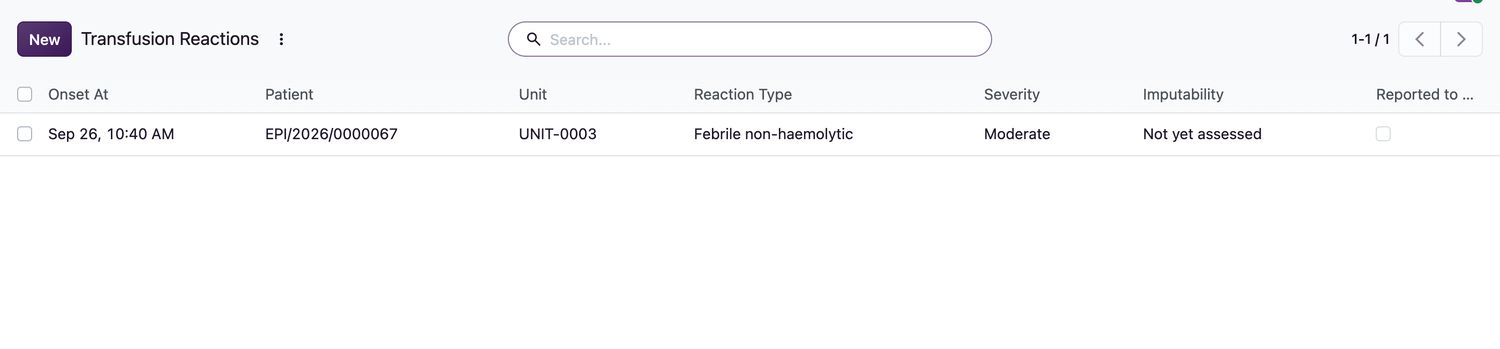
- Open Blood Bank → Reactions and select New, or use the Reactions tab on the transfusion record.
- Choose the transfusion Record. Enter Onset At, Reaction Type, Severity and Imputability.
- Enter the Symptoms, the Actions Taken and who was notified in Physician Notified By.
- A blood bank supervisor selects Supervisor Review after investigating.
- If the event must be reported, select Mark Reported to Authority and enter the Authority Reference.
Related topics
Was this helpful?
Thank you. Your feedback is recorded.Thank you. Tell us what is missing so we can fix this guide.
Report an issue with this guide