
Record fluid balance
Available to
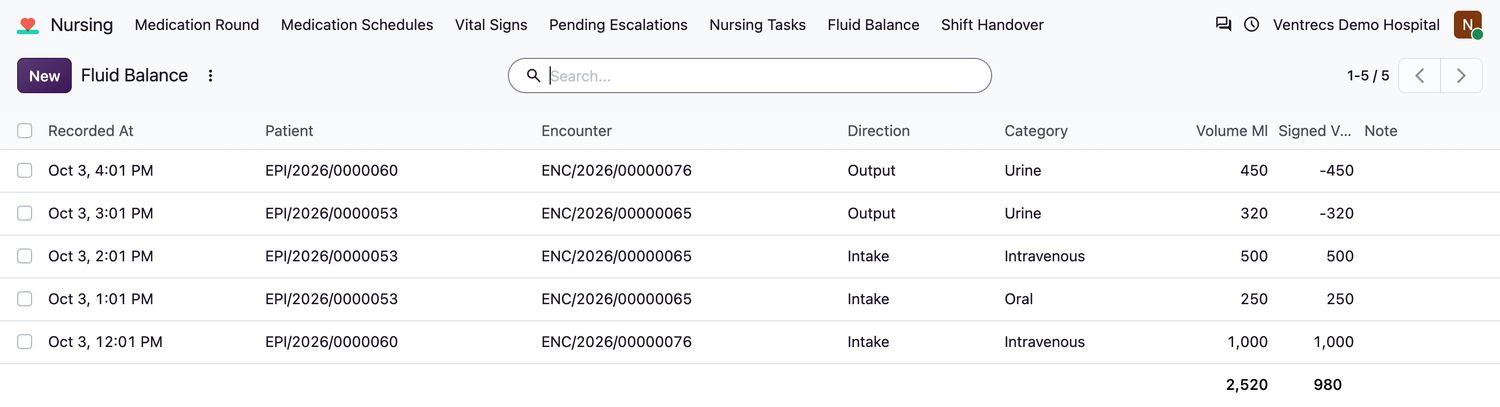
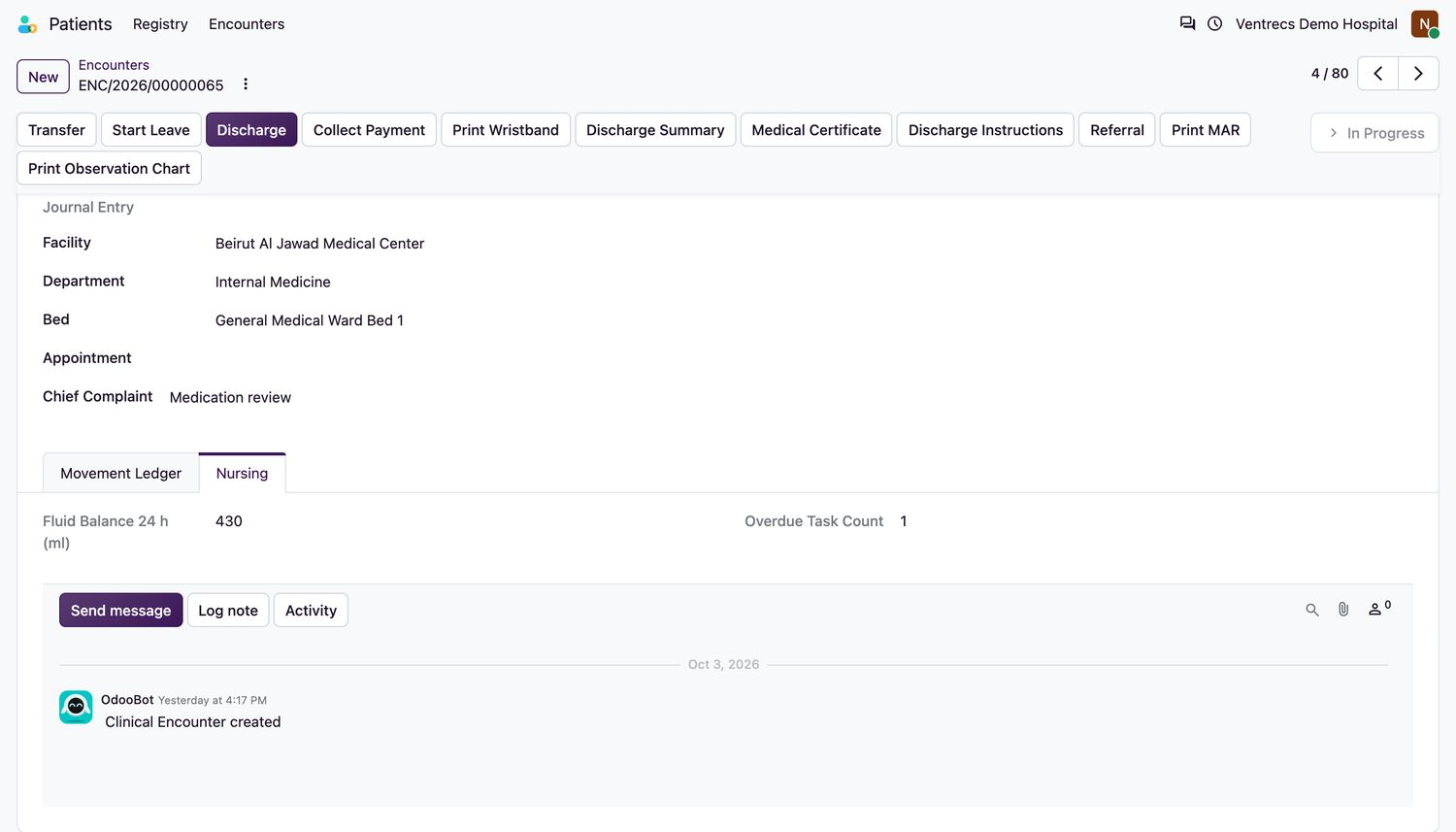
Nurses.Fluid balance records what the patient takes in and what they pass. The total for the last 24 hours is shown on the encounter.
Record an entry
- Open Nursing → Fluid Balance and select New.
- Choose the Patient and Encounter, and check Recorded At.
- Choose the Direction: Intake or Output.
- Choose the Category. Intake: Oral, Intravenous, Tube feed, Blood product. Output: Urine, Drain, Vomit, Stool (liquid). Other can be used for either.
- Enter the Volume Ml and an optional Note, then save.
Related topics
Was this helpful?
Thank you. Your feedback is recorded.Thank you. Tell us what is missing so we can fix this guide.
Report an issue with this guide