
Take a patient through theatre to completion
Available to
Surgeons, anaesthetists, theatre nurses.These steps follow the buttons on the case from pre-op to completion.
From theatre to completion
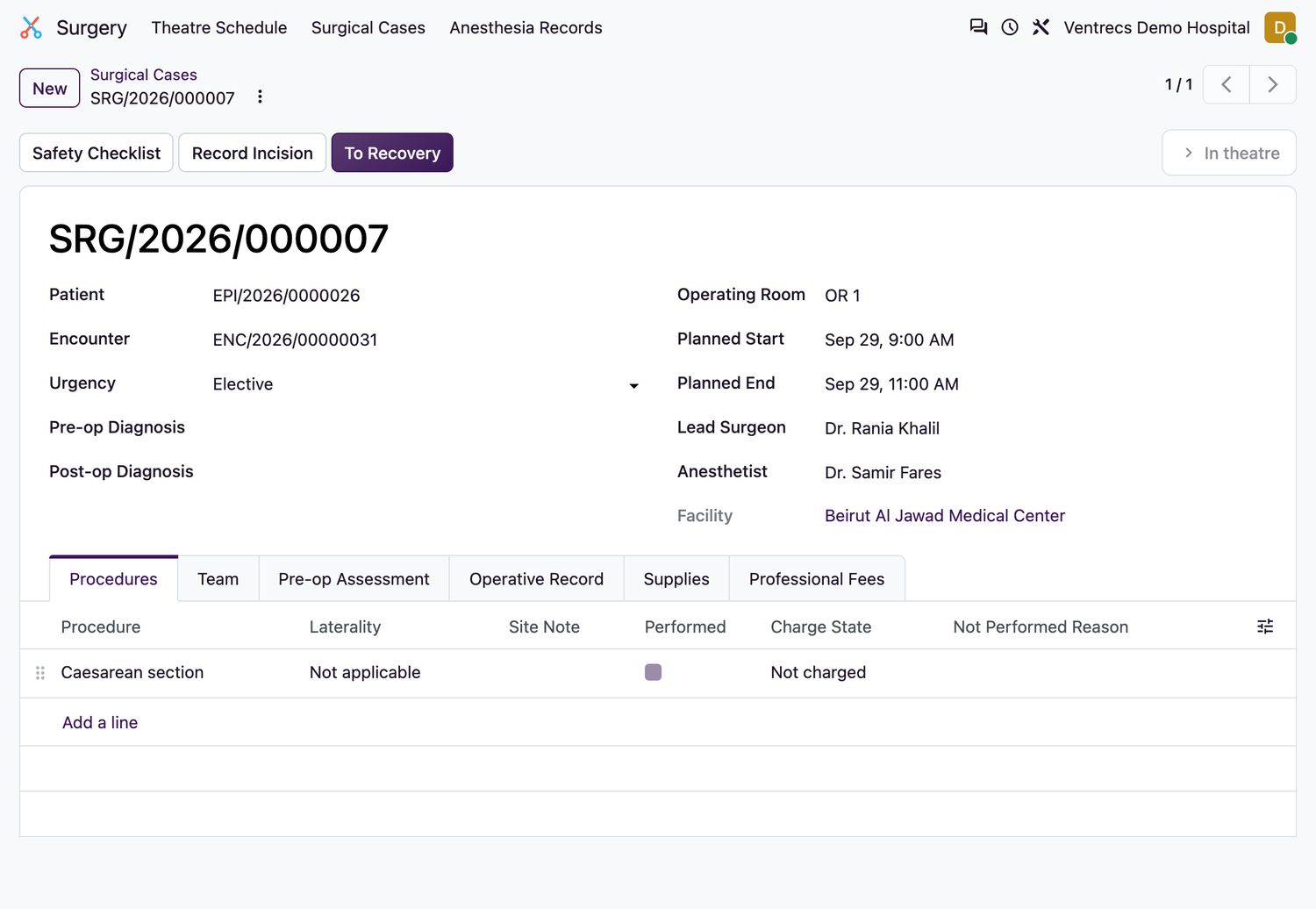
- With Sign In complete, select Enter Theatre. The room becomes
In useand In Room At is recorded. The room must be available. - After Time Out, select Record Incision. The incision time is recorded once.
- Complete Sign Out, then select To Recovery. The room moves to
Cleaning, and Out Room At is recorded. - On the Operative Record tab, enter the Operative Narrative and the Post-op Diagnosis. Record the wound class, blood loss, specimens and implants.
- Review the Supplies tab. Confirm or enter the quantity used for each planned supply.
- Select Complete Case. The procedure is added to the patient's timeline and the supplies are issued.
Good to know
- The anaesthesia record must be signed before the case can be completed. See Complete the anaesthesia record.
- A case cannot be completed without the operative narrative and the post-op diagnosis.
- To cancel a case, select Cancel and enter the Cancellation Reason. On the Cancellation tab, say why a planned procedure was not performed.
- Surgeon and anaesthetist fees are recorded on the Professional Fees tab. Use Void Charge to void a charge.
Related topics
Was this helpful?
Thank you. Your feedback is recorded.Thank you. Tell us what is missing so we can fix this guide.
Report an issue with this guide