
Request and schedule a surgical case
Available to
Surgeons, theatre coordinators.A surgical case moves from a request, to a booked slot in an operating room, through the patient's day in theatre, to completion. Every step is a button on the case and is allowed only when the previous step is done.
Requested  →  Scheduled  →  Pre-op  →  In theatre  →  Recovery  →  Completed
                                          (a case can be cancelled before it reaches recovery)
Request and schedule
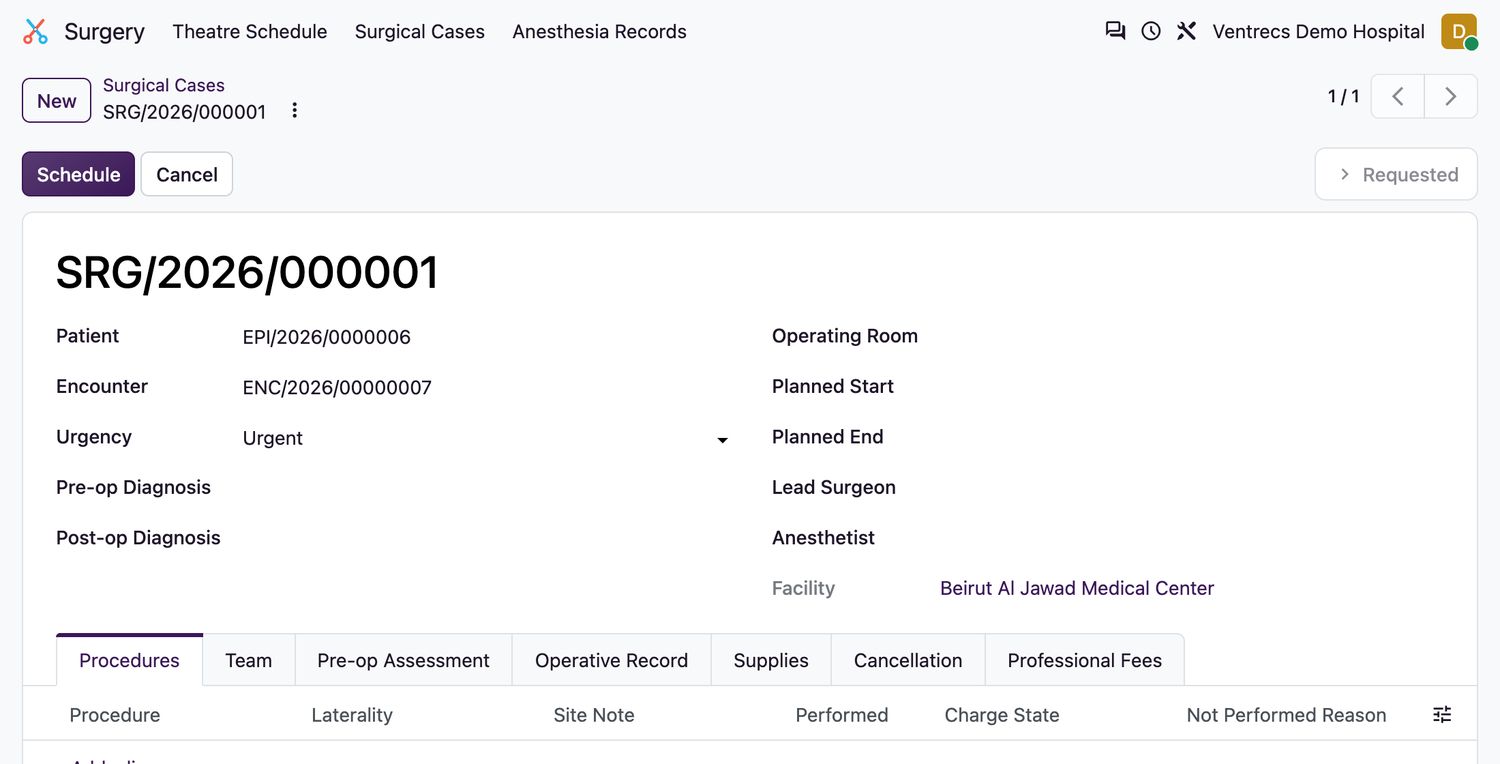
- Open Surgery → Surgical Cases and select New.
- Choose the Patient and the patient's Encounter, and set the Urgency: Elective, Urgent or Emergency.
- Enter the Pre-op Diagnosis if known. Add the procedures on the Procedures tab.
- Save. The case is
Requested. - Choose the Operating Room, Planned Start and Planned End, the Lead Surgeon and, if known, the Anesthetist. Add other staff on the Team tab.
- Select Schedule.
What is checked
- Scheduling is refused unless the case has an operating room, planned start and end, a lead surgeon and at least one procedure.
- The operating room must belong to the case's facility.
- The system refuses a booking that overlaps another case in the same room, including the room's turnover time, or that double-books a surgeon.
- When the country pack is approved, only approved procedures can be scheduled.
- Scheduling creates the WHO safety checklist for the case.
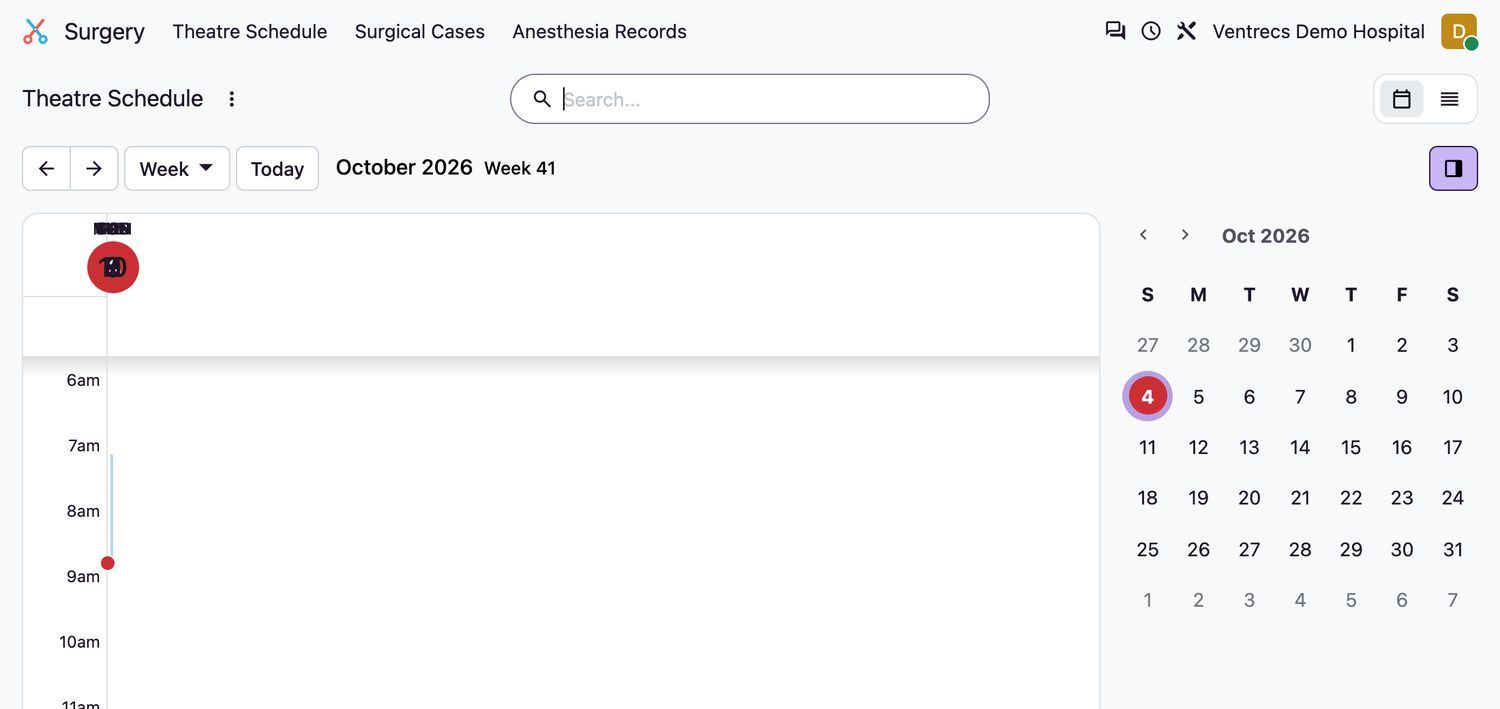
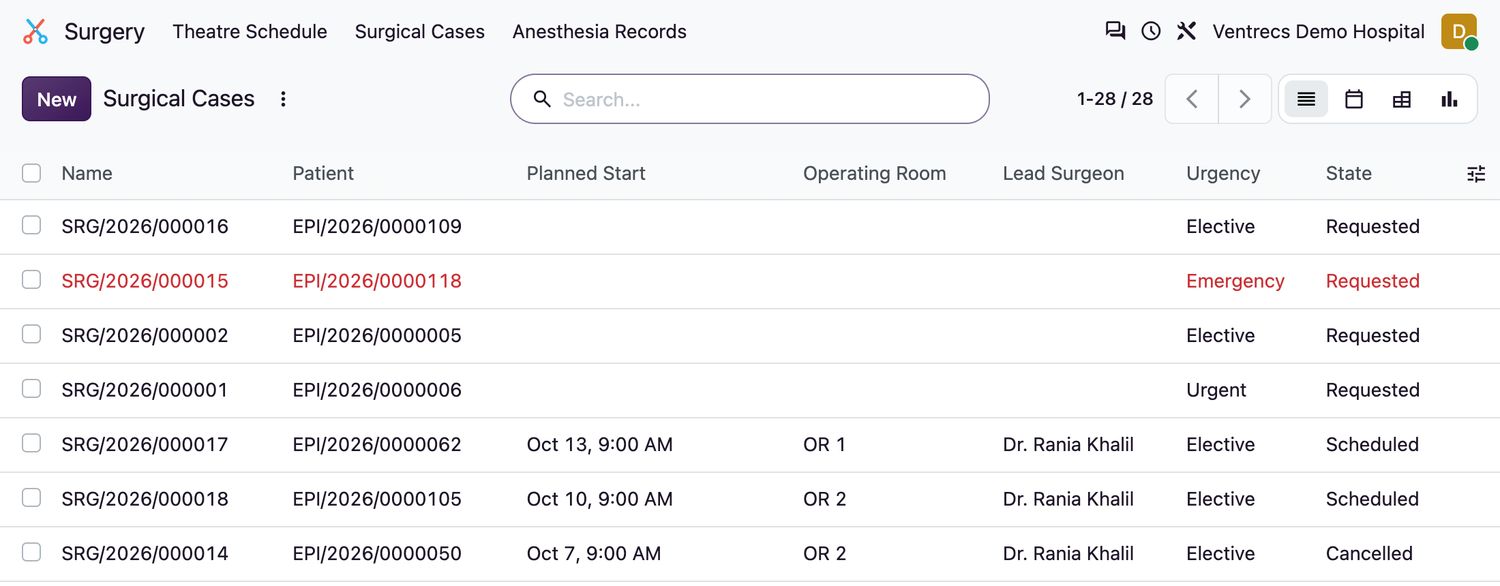
Use Surgery → Theatre Schedule to see the calendar, and Surgical Cases for the list. The list can be filtered by Scheduled Today, Active, Emergency, Operating Room, Surgeon and Status.
Related topics
Was this helpful?
Thank you. Your feedback is recorded.Thank you. Tell us what is missing so we can fix this guide.
Report an issue with this guide