
Manage patient identifiers
Available to
Registration Officer and authorised patient-administration users.A patient can have several identifiers: the number the facility gave them, a national identifier, a passport. Recording and verifying them is what makes a patient safe to find again, to merge if needed, and to give portal access.
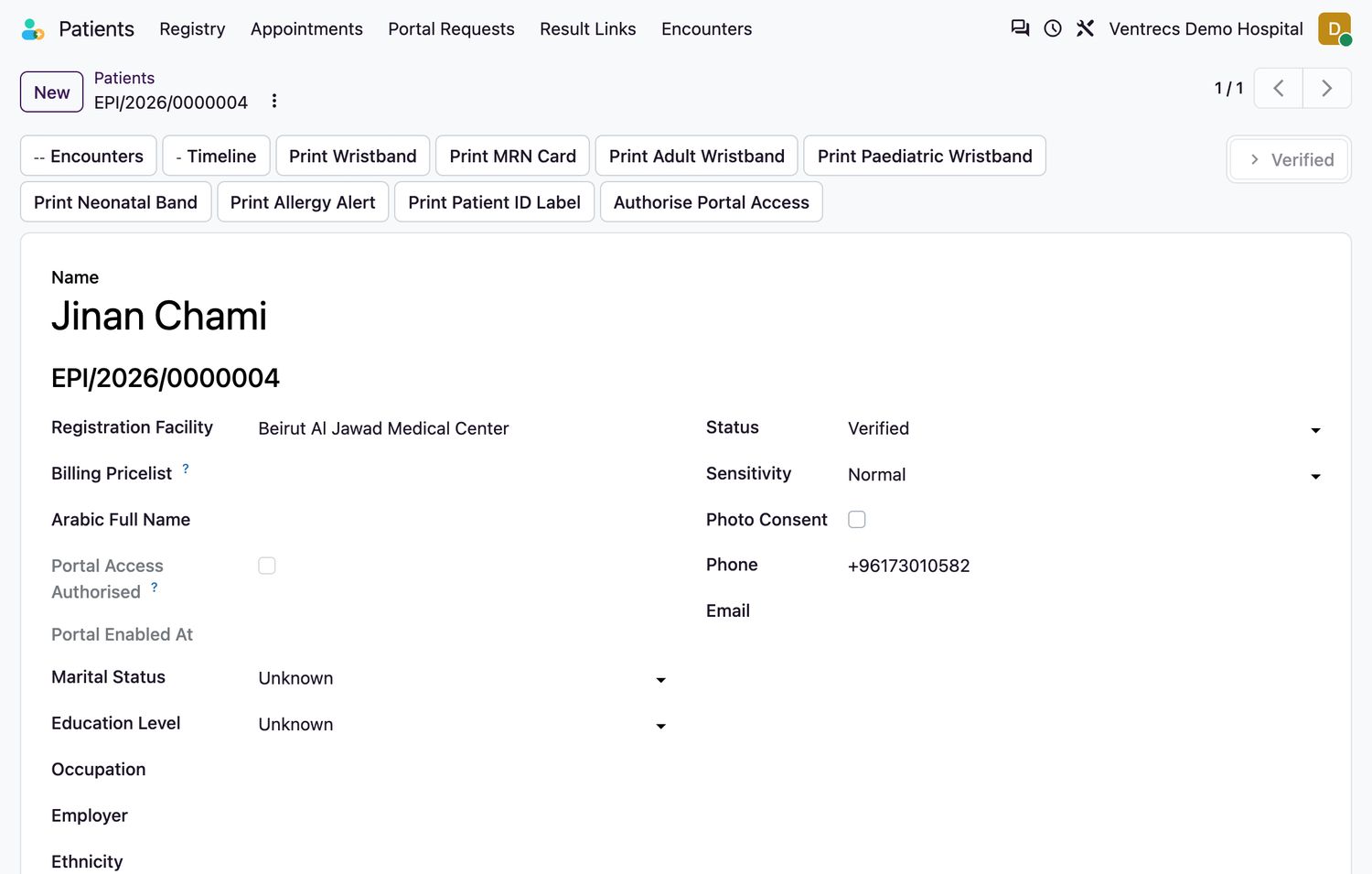
Add and verify an identifier
- Open the patient and select the Identifiers tab.
- Select Add a line.
- Choose the Identifier Type:
Enterprise Patient ID,Facility MRN,National Identifier,PassportorExternal Identifier. - Enter the Value exactly as printed on the document, and the Issuer. A
Facility MRNalso needs the Facility. - Set Effective From and, if the document expires, Effective To.
- Select Save. The identifier starts as
Unverified. - After you have checked the original document, select Verify on the line. The system records who verified it and when.
| Verification status | Meaning |
|---|---|
Unverified | Entered but not yet checked against a document. |
Verified | Checked by a named user at a recorded time. Needed before portal access can be authorised. |
Expired | The effective-to date has passed. |
Rejected | The document did not match and must not be relied on. |
Related topics
Was this helpful?
Thank you. Your feedback is recorded.Thank you. Tell us what is missing so we can fix this guide.
Report an issue with this guide