
Record a newborn
Available to
Midwives and paediatric nurses.Each baby has their own patient record and a newborn record linked to the delivery. The newborn record holds birth measurements, APGAR scores and the first-hours care.
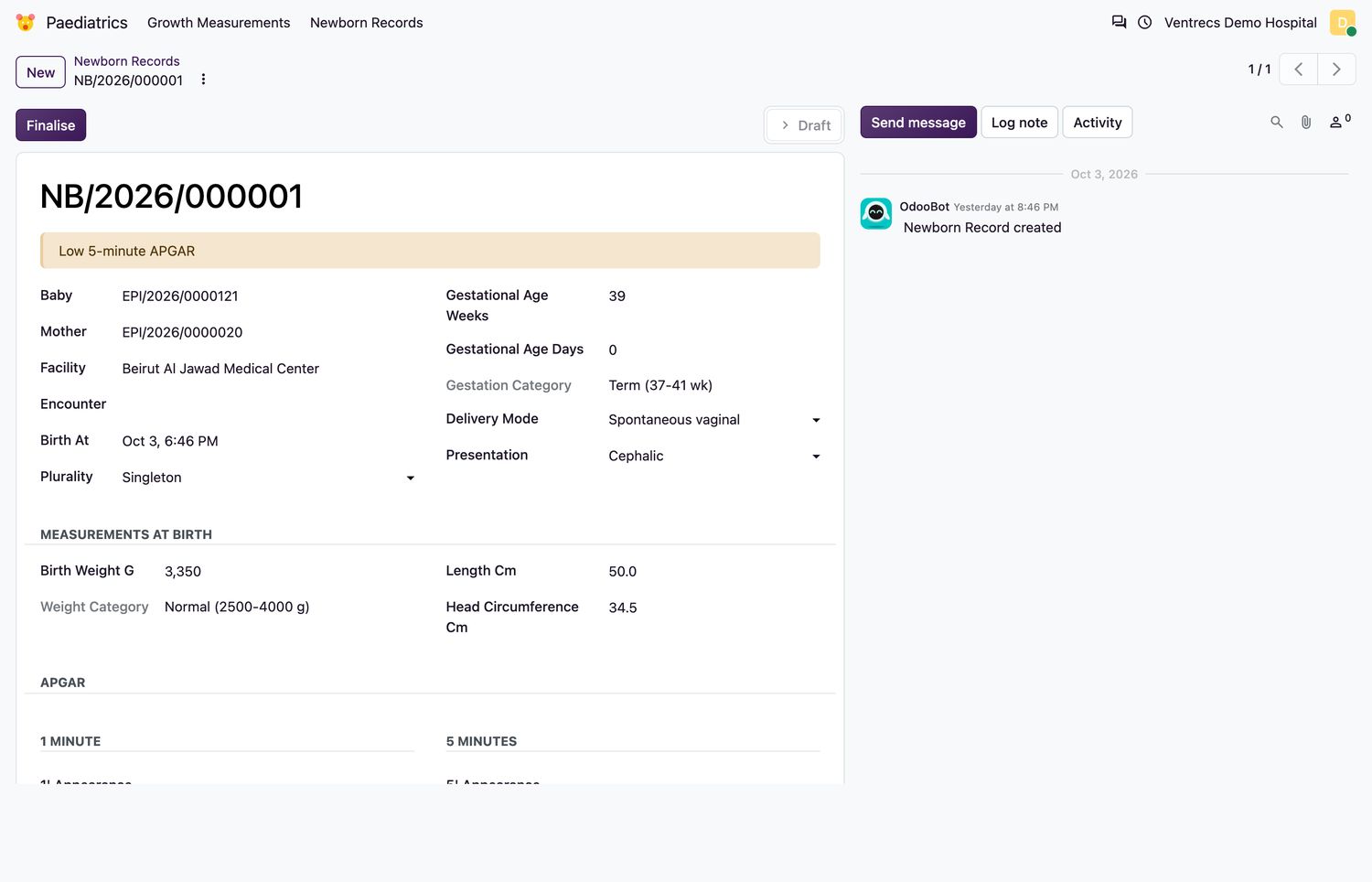
Create a newborn record
- Register the baby as a patient (Patients → Registry → New).
- Open Paediatrics → Newborn Records and select New.
- Choose the Baby and the Mother. Enter Birth At, Plurality, Gestational Age in weeks and days, Delivery Mode and Presentation.
- Enter Birth Weight G, Length Cm and Head Circumference Cm. The weight category and gestation category are calculated.
- Score the five APGAR components at 1 minute and at 5 minutes. The totals and APGAR class are calculated. A 5-minute APGAR below 7 requires the 10-minute score.
- Record Resuscitation Needed, Vitamin K Given, Skin-to-skin Contact, Breastfeeding Initiated, and whether the metabolic, hearing and critical congenital heart disease screens were done. Note any Congenital Anomalies.
- Link the record to the delivery and select Finalise.
Rules
- Birth weight must be between 300 and 7000 g, and gestational age between 20 and 45 weeks plus 0 to 6 days.
- Both sets of APGAR components must be complete before finalising.
- A finalised record is signed. Only notes can be added afterwards, and it cannot be deleted.
Related topics
Was this helpful?
Thank you. Your feedback is recorded.Thank you. Tell us what is missing so we can fix this guide.
Report an issue with this guide