
Welcome to Ventrecs
Ventrecs is a hospital information system for clinics, laboratories, imaging centres, pharmacies and hospitals. Everything that happens to a patient, from registration to discharge and billing, is recorded once on one patient record, and each department works on its own part of it. The Help Centre explains how to do each task, screen by screen.
Register patient  →  Open encounter  →  Document care  →  Order tests, scans, medicine
        →  Departments complete the work  →  Results and prescriptions return to the record
        →  Charge, claim and discharge
What to know first
- One record per patient. Laboratory, imaging, pharmacy, nursing, surgery and billing all read and write the same patient chart, so nothing is re-typed.
- Your role decides what you see. A laboratory user sees laboratory work, a nurse sees nursing and ward work, a cashier sees billing. See Understand roles and access.
- Your facility decides which patients you can open. You work within the facilities you are authorised for, and every access is recorded in the audit trail.
- Safety checks are built in. Wristband and barcode scans, second-person verification, allergy checks and surgical checklists are enforced by the system, not left to memory.
- Use your own account. Never share your sign-in; every action is recorded against the person who performed it.
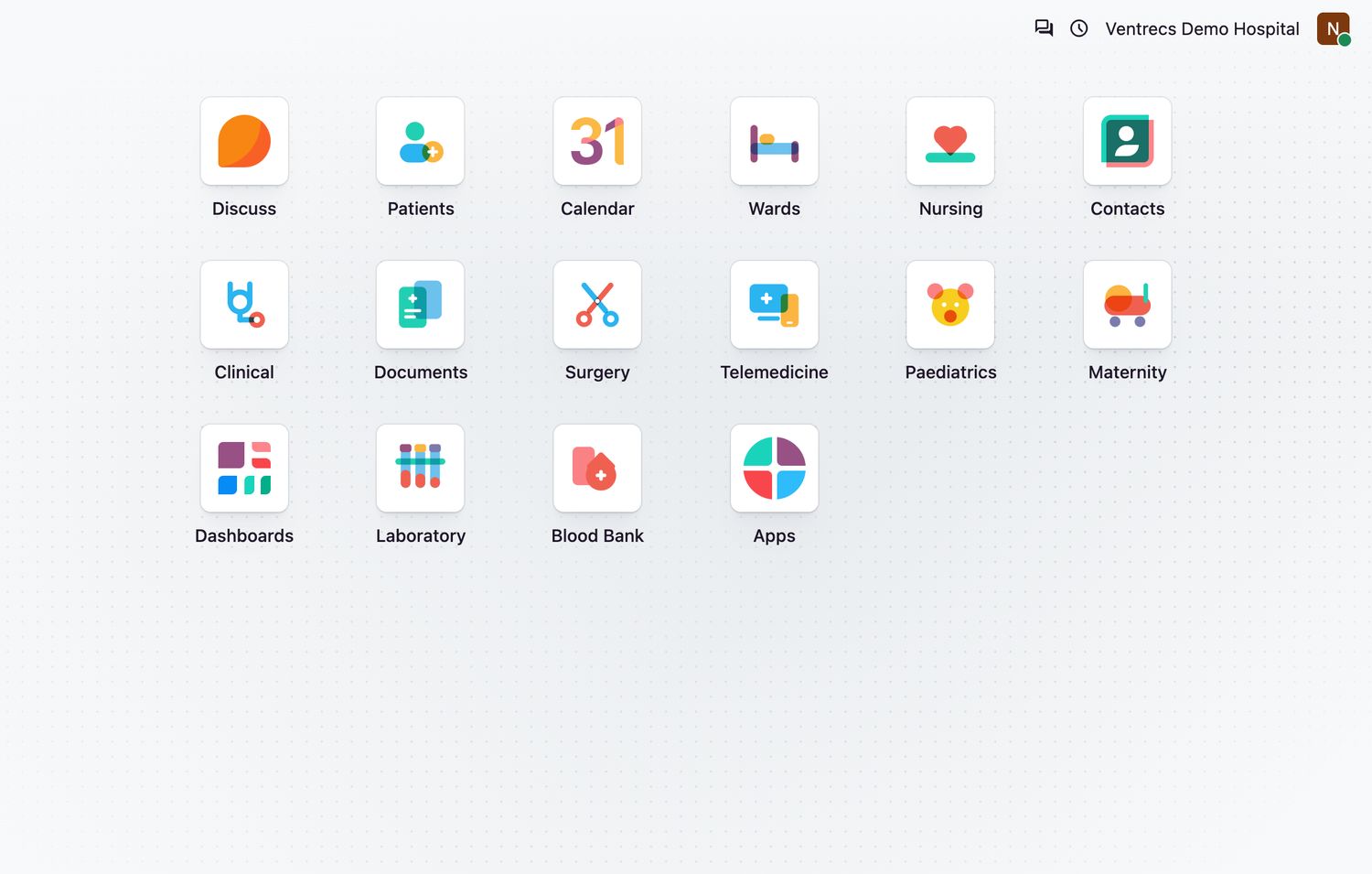
Start with Find your work area to learn where your tasks live, then open the guide for the area you work in from the Help Centre home page.
Related topics
Was this helpful?
Thank you. Your feedback is recorded.Thank you. Tell us what is missing so we can fix this guide.
Report an issue with this guide